Year 2 Computing - 23rd March 2026
Year 2 Computing
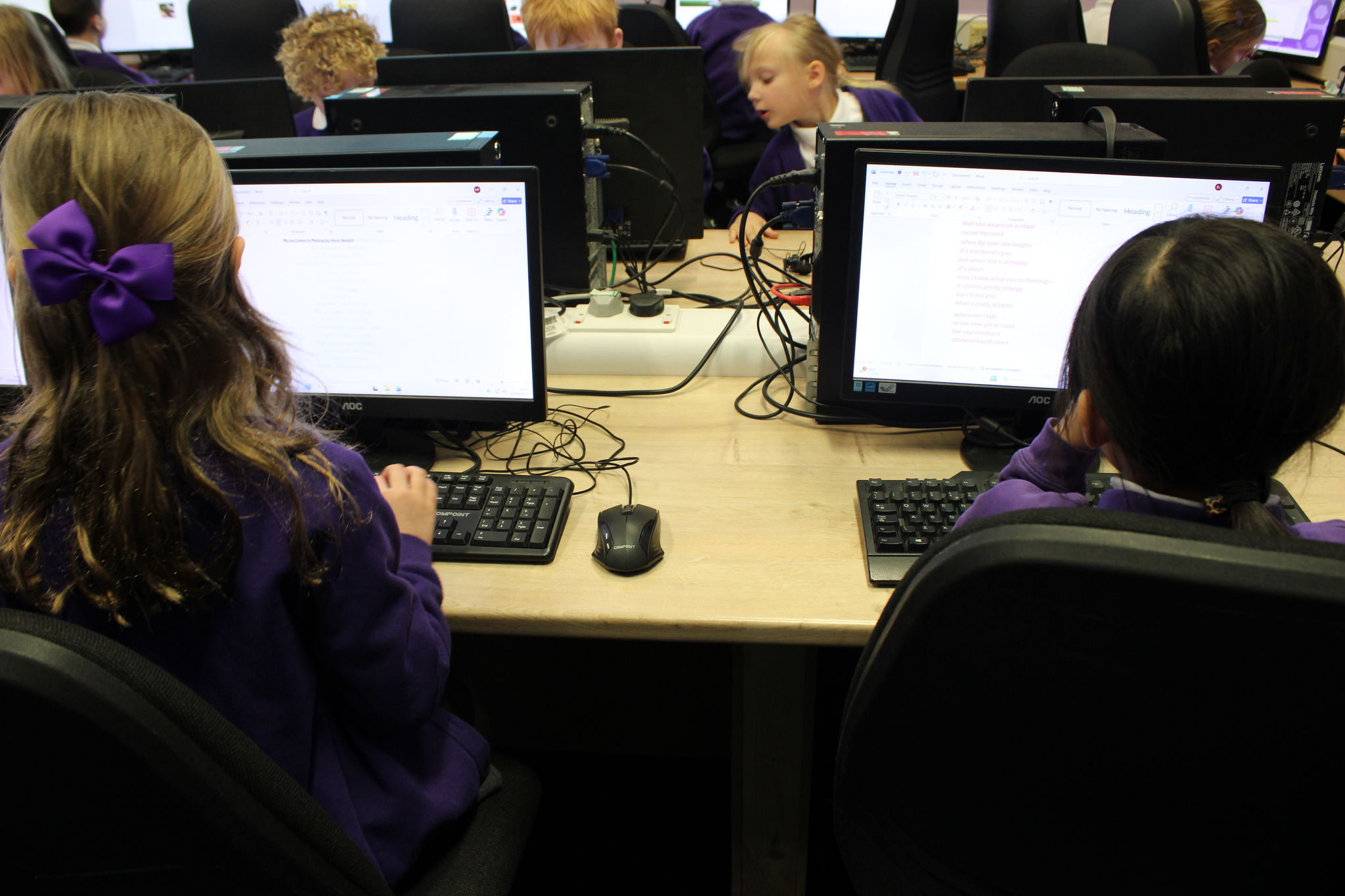
Year 2 have been learning how to use Microsoft Word to create and edit their work. They have been practising useful shortcuts such as copy and paste, select all and undo. These shortcuts helped them work more quickly and fix mistakes easily.
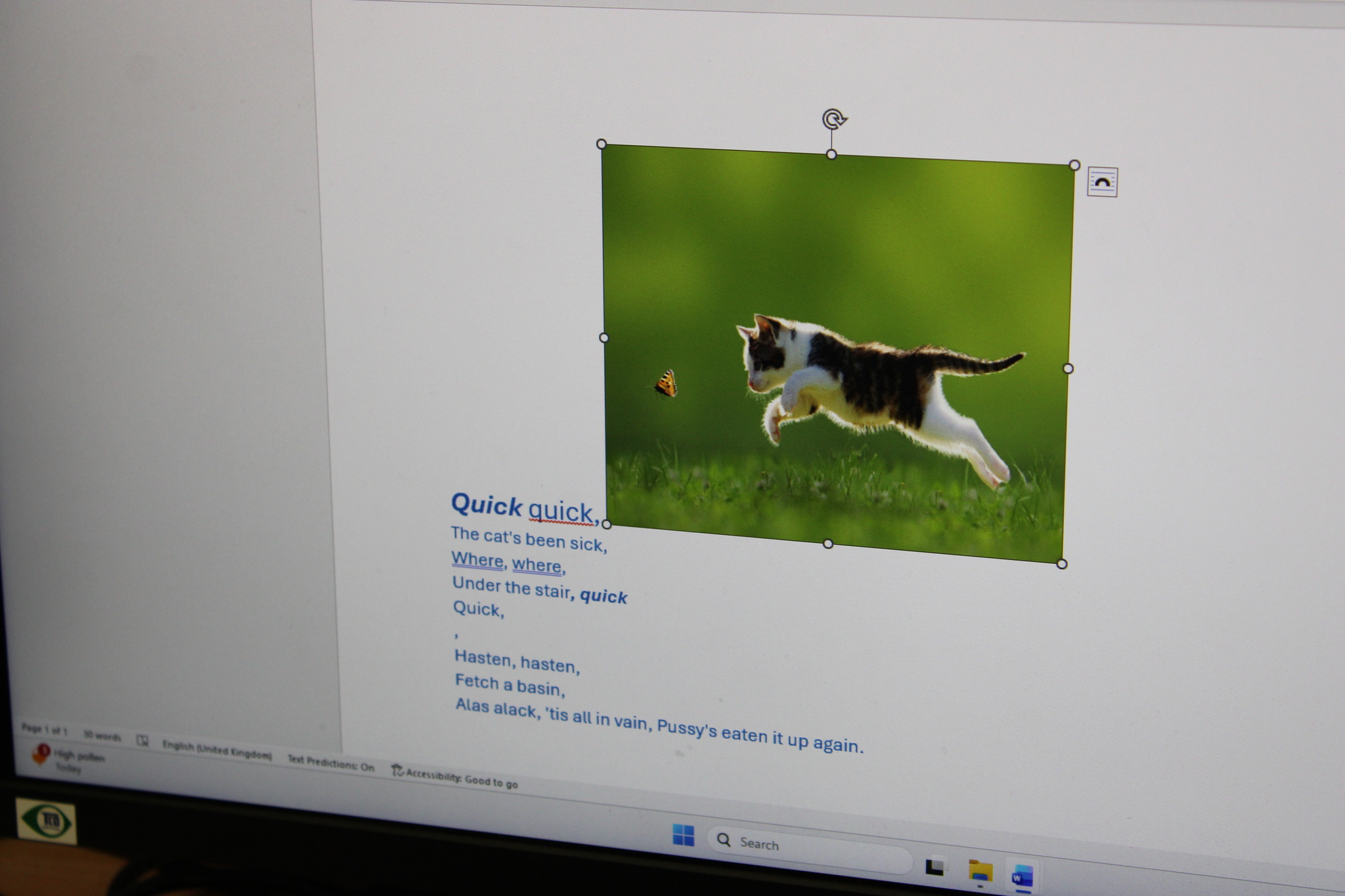
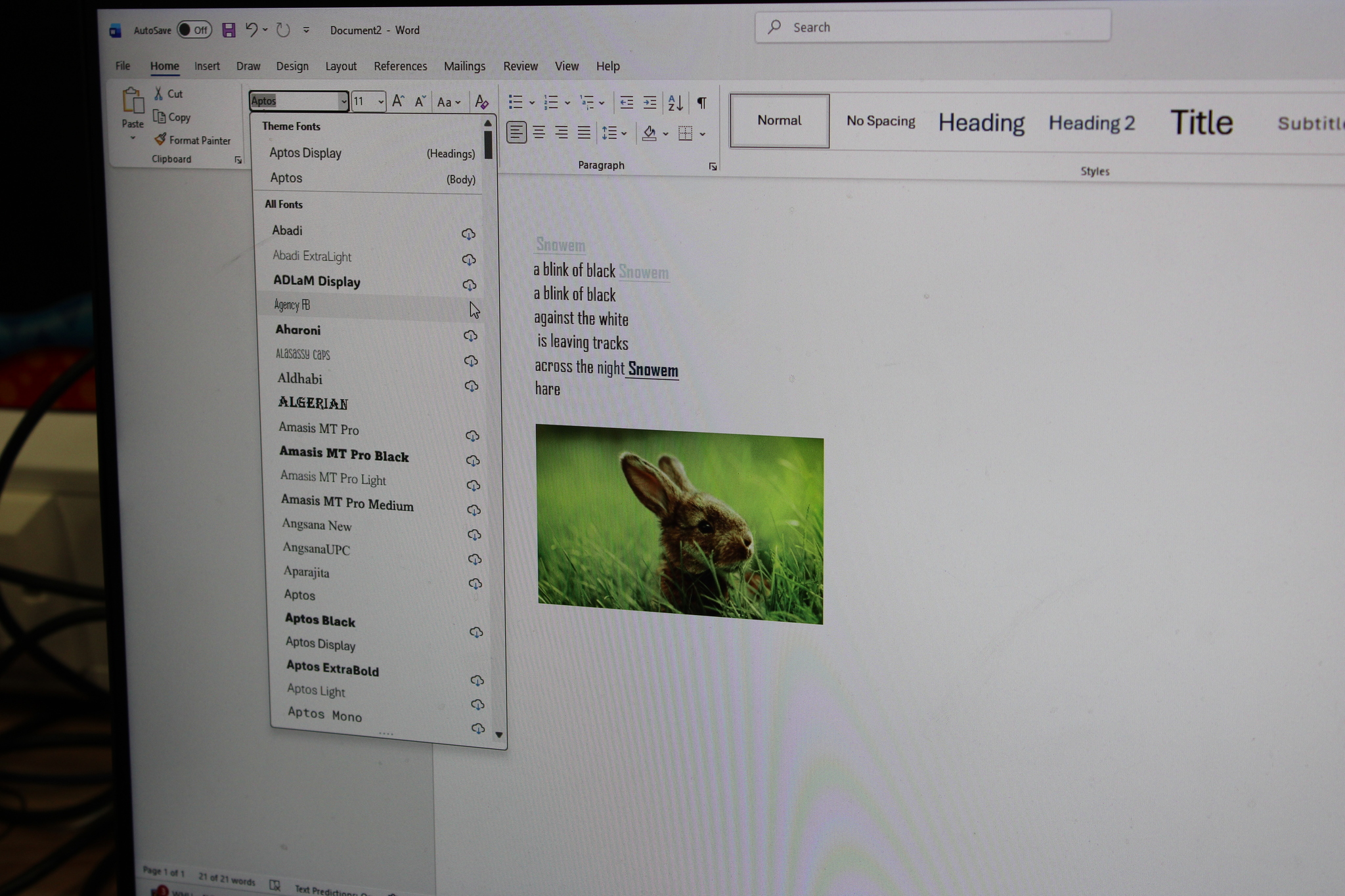
They also edited their writing by changing the font, size and colour to make their work look more interesting and easier to read.
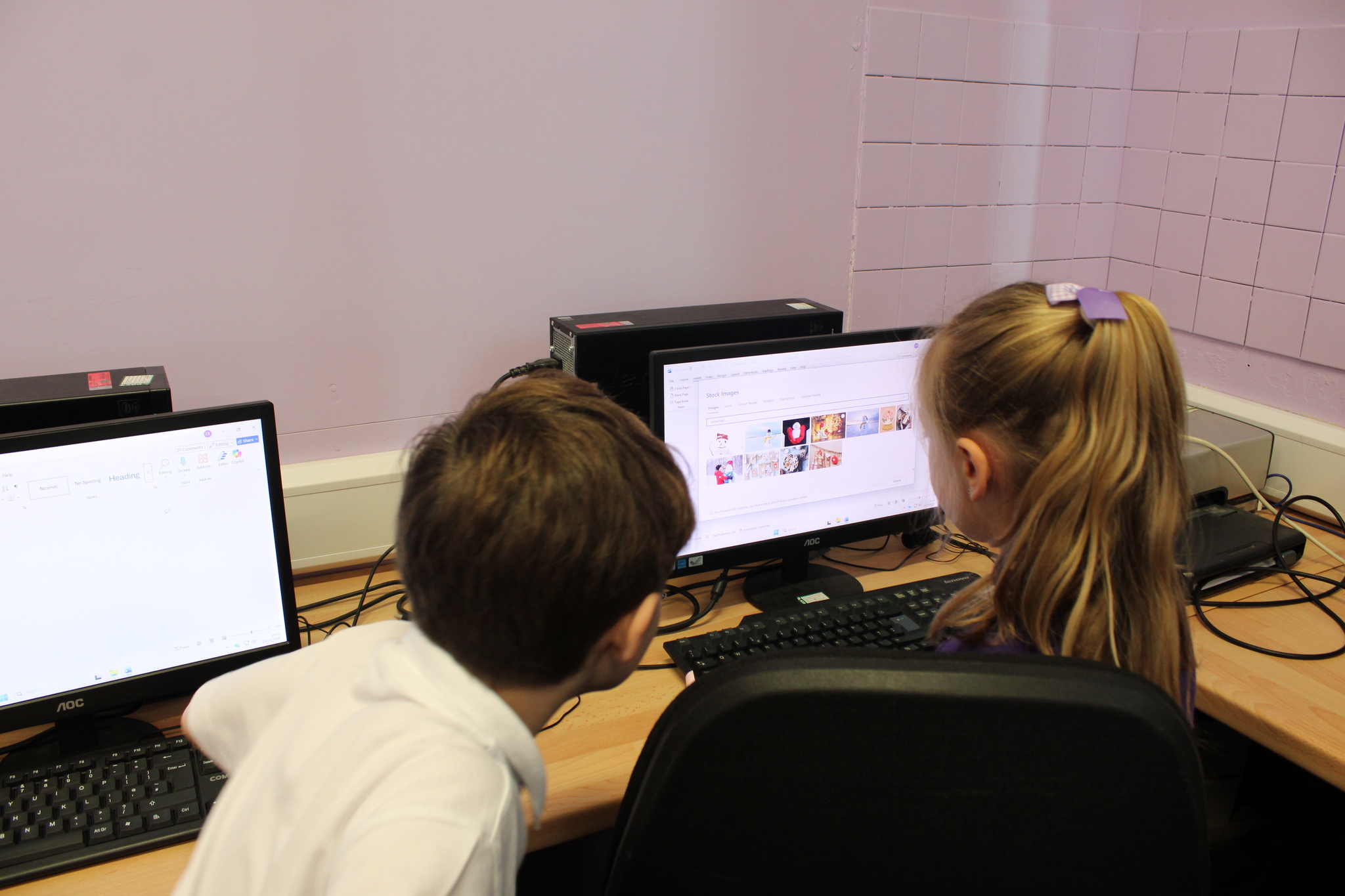
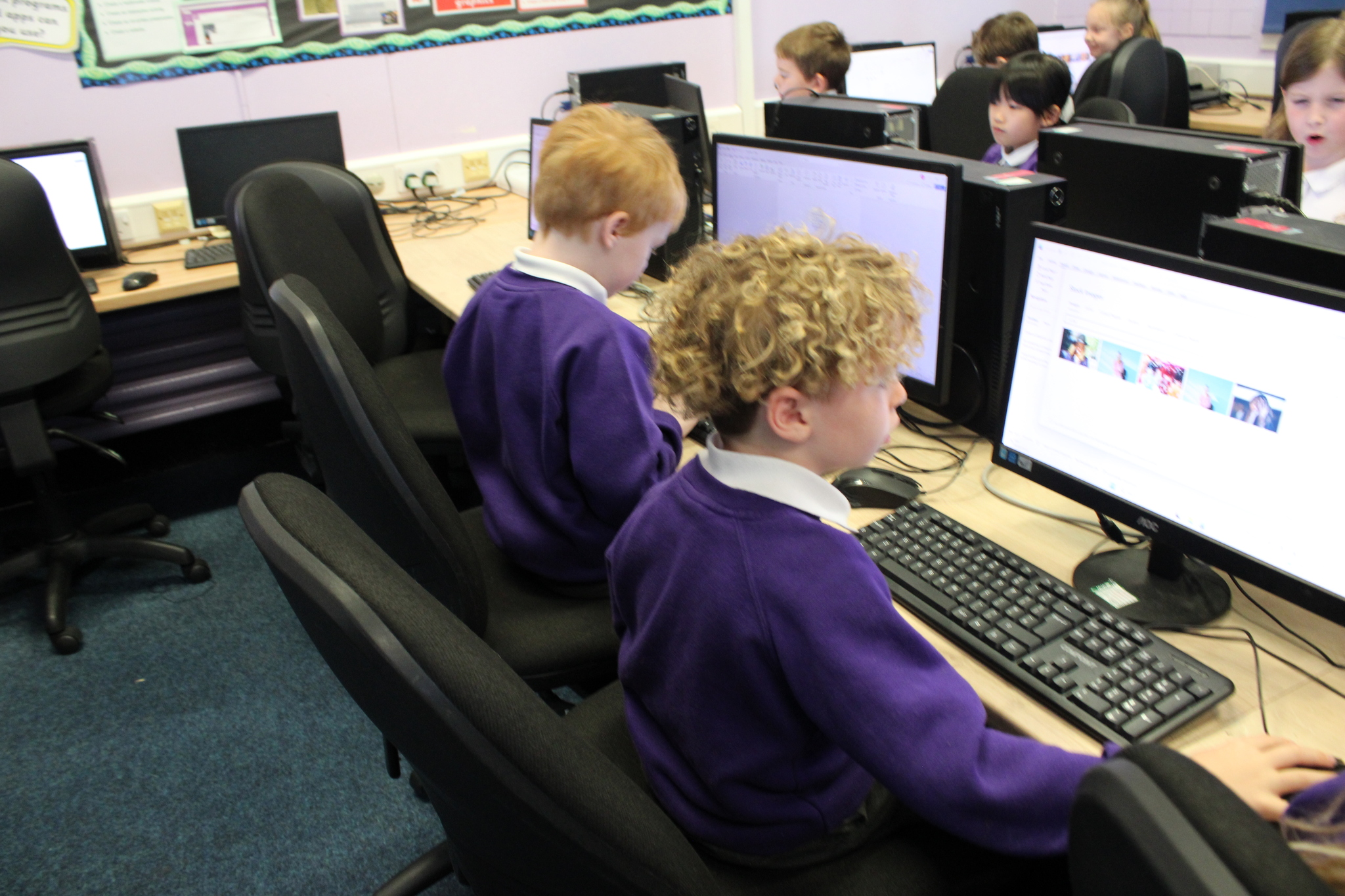
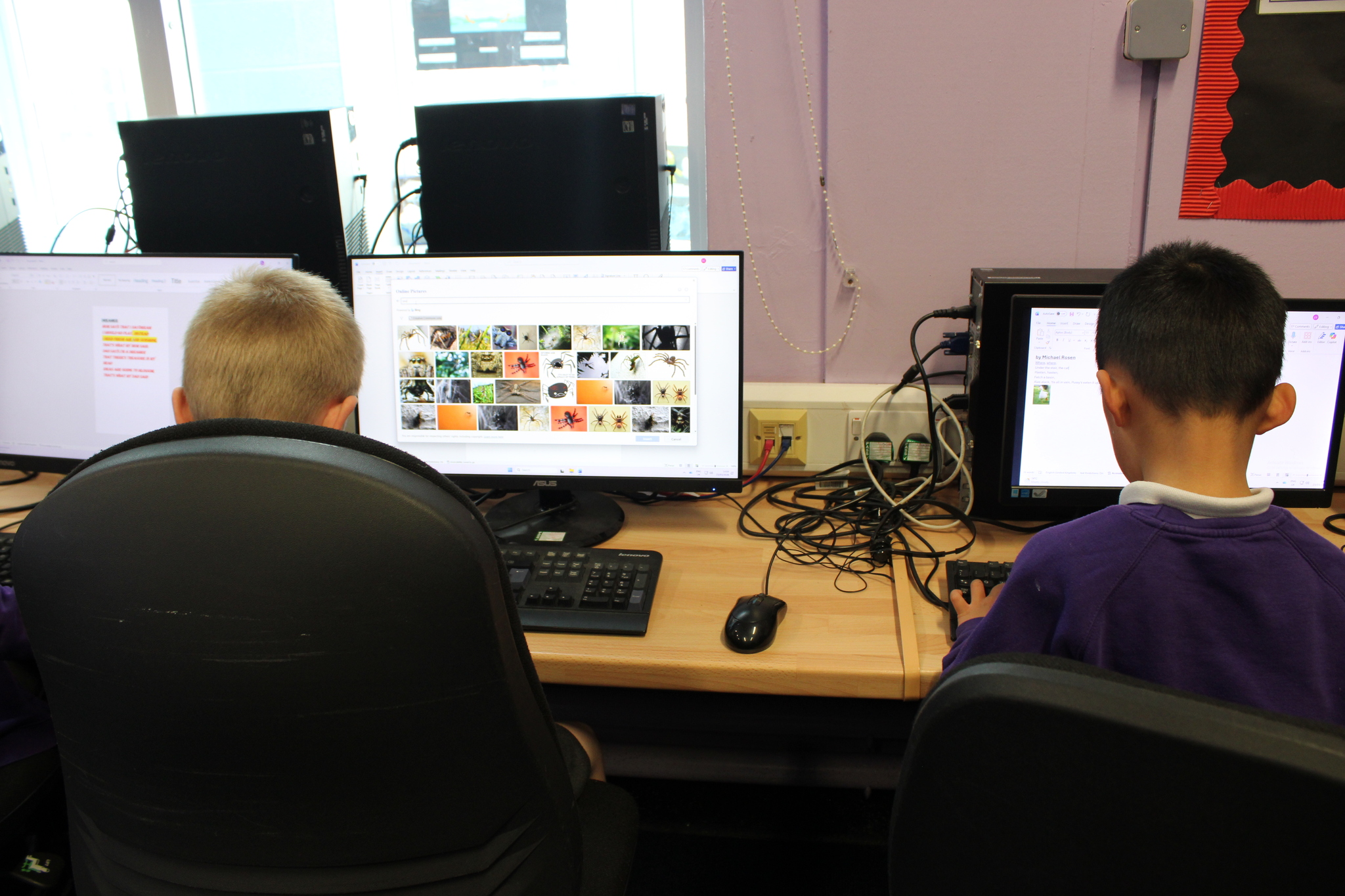
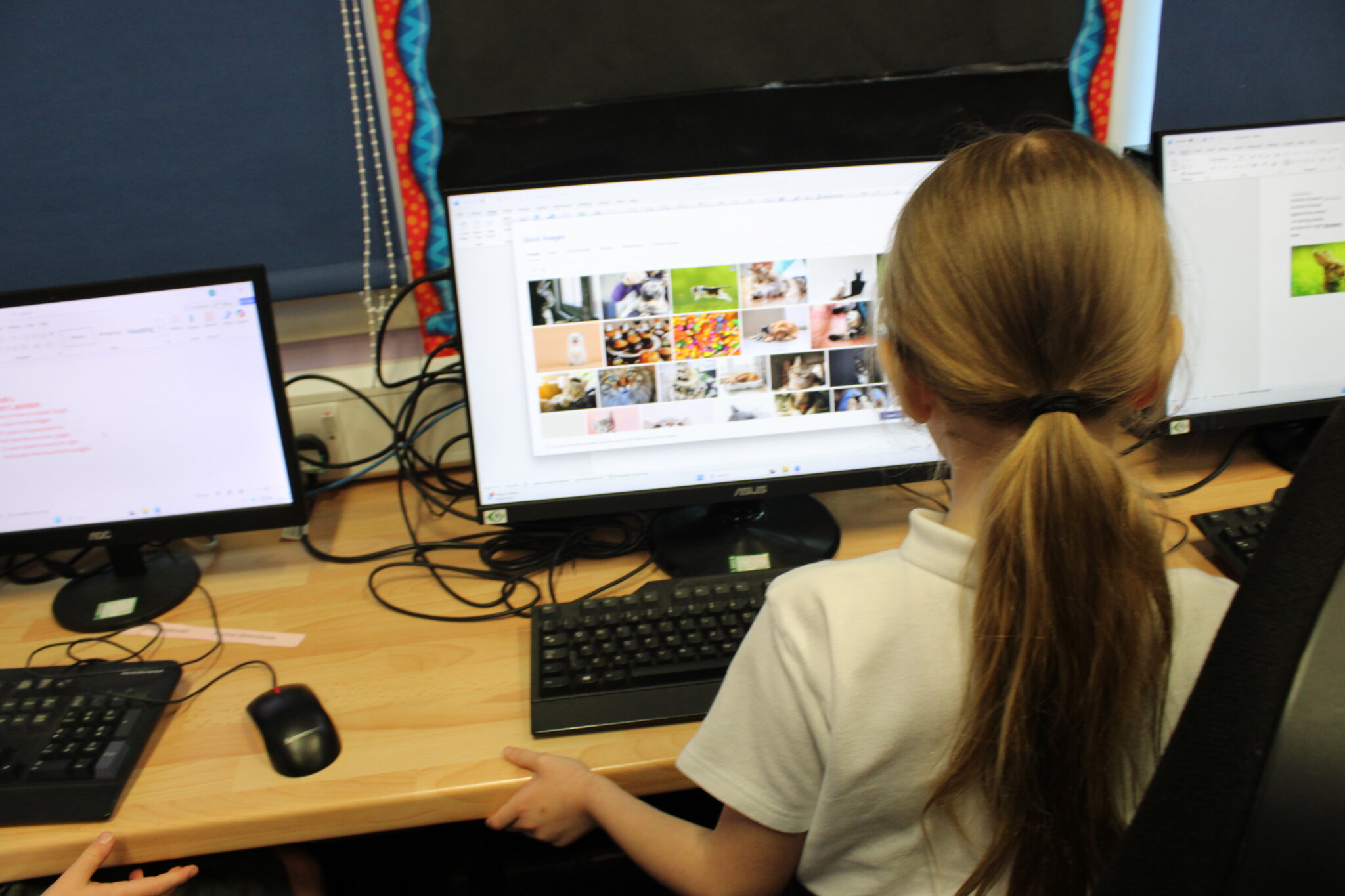
Another skill they have learned is how to add pictures to their work. They inserted images from within Microsoft Word and also from a shared file.
Year 2 have enjoyed learning these new computing skills and are becoming more confident using Microsoft Word.
Well done Year 2!
Year 2 Computing - 23rd March 2026